HALO Phone
One phone. One circle.
Nothing else gets in.
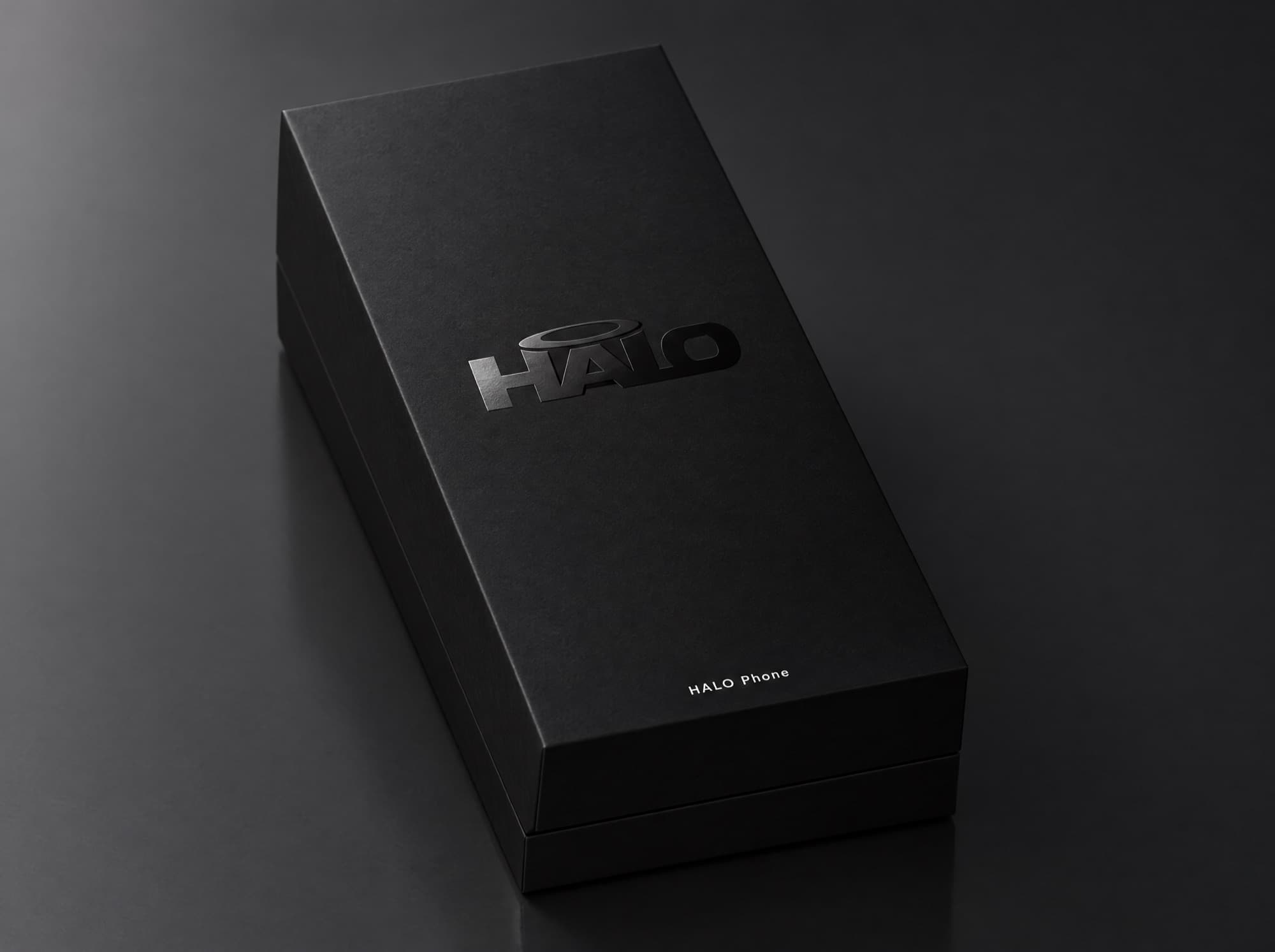
A calm, locked-down phone for someone who needs people in their corner, connected only to the family and carers who love them. Chat, video, I’m OK and SOS. Nothing else.
- No app store
- No strangers
- No reading required
What it is
A phone that only knows its people.
HALO is two things that only work together: a locked-down phone for the person you care about, and the HALO Circle app for the family and carers around them.
The phone
A real Android phone, set up by us before it arrives. Big symbols, photos and voice instead of menus and text. No app store, no browser, no unknown numbers.
The Circle
HALO Circle is the family’s app. Chat, video calls, status, location, I’m OK check-ins, SOS, quiet hours, app limits, remote app install and sleep — all from your pocket.
The glass box
Not a spy tool. The phone shows its owner exactly what the circle can see, in plain symbols. Monitoring is honest, visible, and shrinks as they grow.
For the person using it
A phone that’s truly theirs.
For young people and adults with a learning disability or additional needs — and for anyone who needs someone in their corner. Symbol-first, spoken aloud, and connected only to the people who love them. A phone that is theirs, not a phone that watches them.
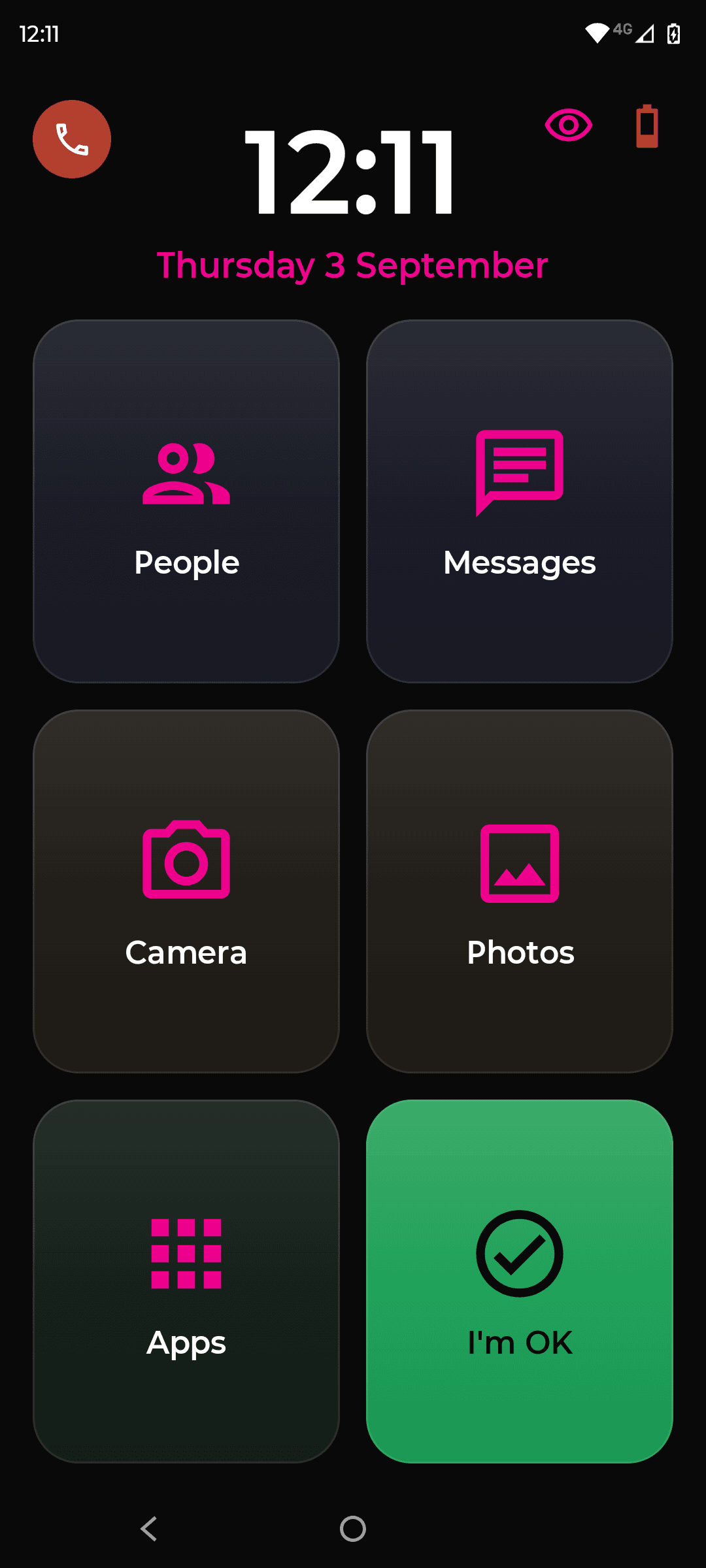
Symbol-first home screen. People · Messages · I’m OK · SOS. Big tiles, faces instead of names, and no reading required — every label can be spoken aloud.
One tap says “I’m OK”. One long press says “I need you.” Every guardian knows within seconds, with location.
Voice, photos and video instead of typing. Reply with a voice note or a photo. Big buttons, no keyboard needed.
No menus, no settings, no strangers. Unknown numbers don’t ring. There is nothing to get lost in and nothing to be tricked by.
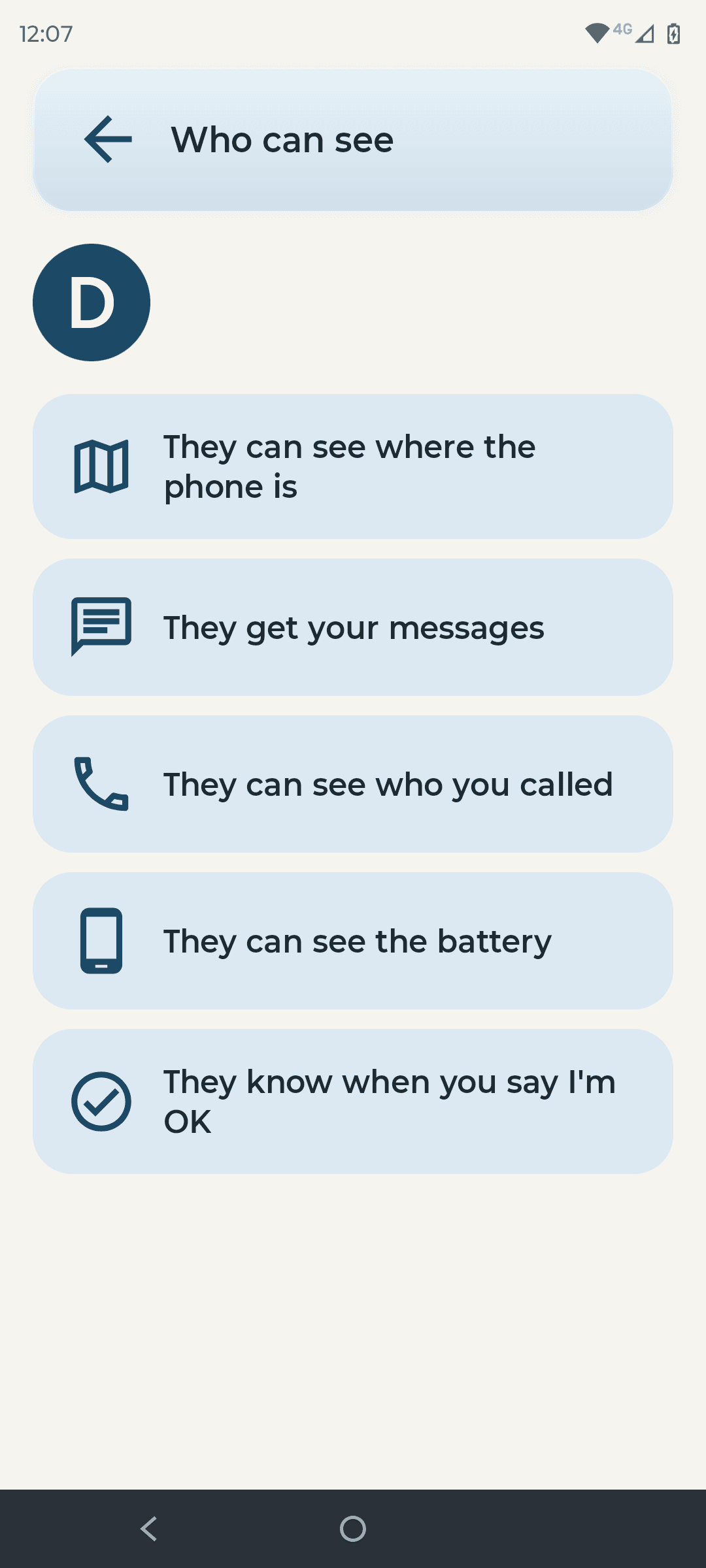
The transparency board. An always-on screen lists exactly who can see what — location, last check-in, who’s in the circle. Nothing hidden from the person holding it.
For families · HALO Circle
The people around the phone.
HALO Circle is the app for everyone around the phone: parents, step-parents, grandparents and siblings — two households, if that’s how it is. One circle, clear roles, and a calm view of how they’re doing.
Everyone in one app. Invite parents, grandparents and siblings. Each gets a role and sees exactly what that role allows.
Private and shared threads. A family thread everyone’s in, and private ones — Mum’s chat stays Mum’s; Nan’s stays Nan’s.
Video calls and voice notes. Face-to-face in one tap. Voice notes instead of typing. Photos that land on the phone’s calm screen, not in a feed.
Every guardian gets safety alerts. SOS, a missed check-in, leaving a geofence — everyone in the circle knows, at the same time.
A weekly digest. One calm summary of check-ins, screen time and circle activity. Close, without living in the app.
Two-guardian delete. Removing a guardian or deleting the circle takes two of you to agree. No one acts alone.
Two households? Separated parents each see the same status and each keep their own conversations. Neither sees the other’s messages. The phone shows one circle; the circle respects two homes.
For carers & colleges
Support staff get exactly enough.
Professional carers, residential colleges and care homes join the circle as carers: enough access to keep someone safe, and not a bit more. Nothing they do is hidden from the family — or from the person holding the phone.
Time-limited access. Access that ends when the placement does. No lingering logins, nothing to remember to revoke.
Staff sleep controls. Put the phone to sleep at bedtime and wake it in the morning, without touching anything else.
Nothing covert. The transparency board on the phone shows exactly who can see what. Carers can’t read messages, see location history, or change the circle.
Safeguarding-friendly. Every action is logged and visible to every guardian — and on the phone itself. Shared threads keep staff and family in one conversation.
| Permission | Guardian | Carer |
|---|---|---|
| See I’m OK status | Yes | Yes |
| Put the phone to sleep | Yes | Yes |
| Messages, photos & calls | Yes | No |
| Location | Yes | No |
| Apps, limits & schedules | Yes | No |
| Change who’s in the circle | Two guardians | No |
| Access | Ongoing | Time-limited |
| Every action logged | Yes | Yes |
It grows with them. The profile — Connect, Guided, Supported or Independence — is chosen at setup and can be changed later from the Circle app, so monitoring steps back as confidence steps forward.
Features
Everything they need. Nothing they don’t.
Every feature was chosen by asking one question: does this make the phone calmer, safer, or more theirs?
Closed circle
Only people you’ve added can call or message. Unknown callers are silently blocked — they don’t ring, don’t buzz, don’t exist. Nothing to block, because nothing gets in.
Chat & video
Photos, voice notes and video calls inside the circle, one tap on a face. No links, no accounts, no one else can join. Just family.
I’m OK & SOS
One big green tile says “I’m OK.” One long press says “I need you.” Every guardian knows within seconds, with location.
Quiet hours, limits & sleep
Set a bedtime and the phone dims to a clock. Add a daily limit for each app, a schedule for college days and a wind-down mode. Put it to sleep remotely; wake it in the morning. No arguments.
- No app store
Apps you approve
There’s no store on the phone. Approve an app from the Circle app and it installs remotely, through Managed Google Play. Remove it just as easily. Start with none.
Location & geofences
See where they are when it matters, and get an alert when they arrive at college or leave the house. Turn it off any time — the phone shows them when it’s on.
How it works
Ready in two minutes. No settings screens.
Nothing to install, nothing to type on their phone. The set-up happens on yours.
- 01
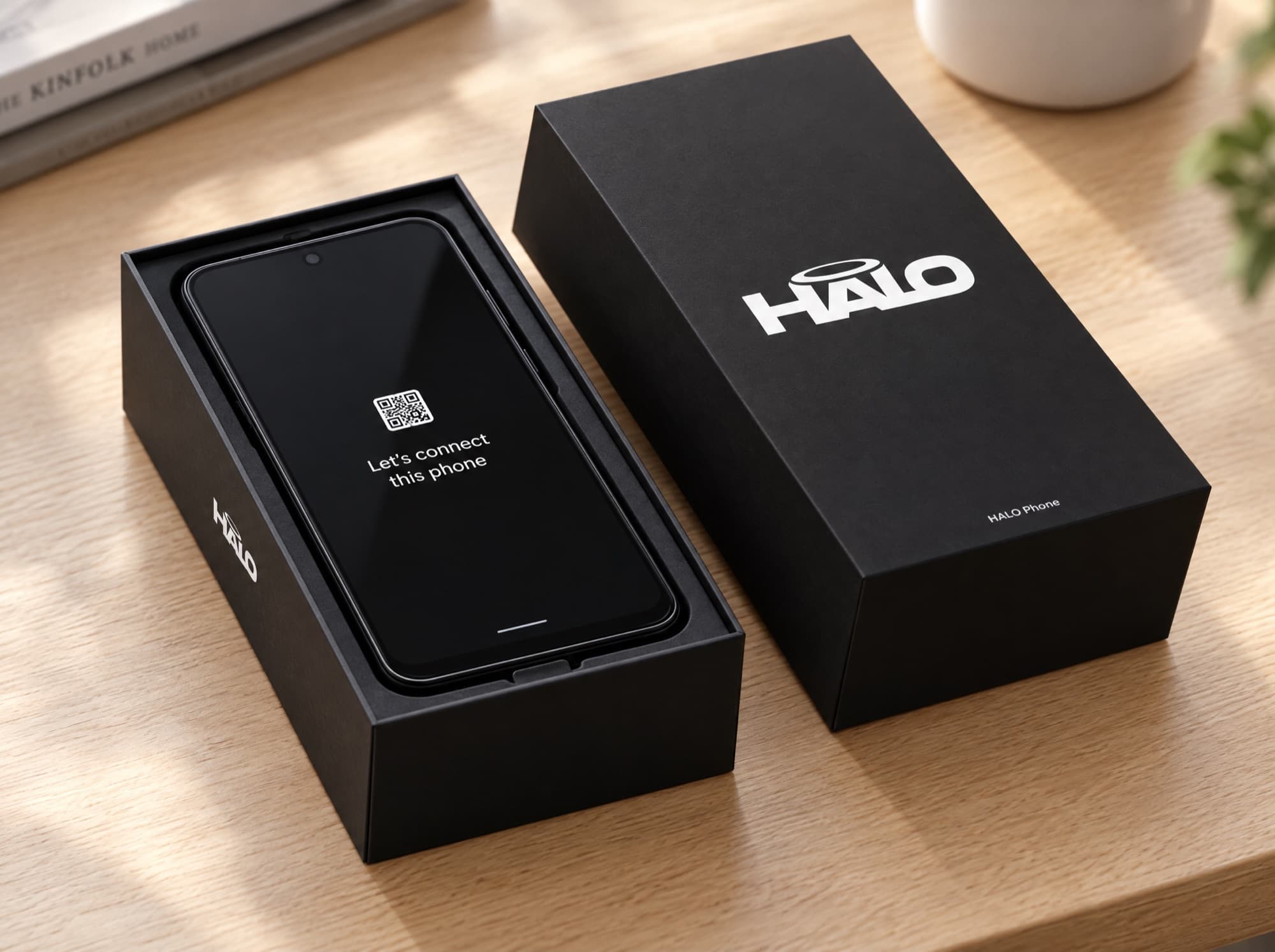
Open the box and switch it on
The phone arrives with HALO already on it and nobody attached. It wakes to one screen: a code, and what to do with it.
- 02
Scan the code with your own phone
It opens halophone.co.uk. Type your email, enter the code we send you, and the phone is yours. Tell us who it’s for and pick a profile. About two minutes.
- 03
Build the circle
Add Mum, Dad, Nan, a carer, a college on time-limited access: name, number, photo, one tap. From then on everything lives in the HALO Circle app on your phone.
Trust & privacy
Built to be trusted by the person holding it.
Safety that depends on secrecy isn’t safety. These are the rules HALO is built on, and they don’t have a settings toggle.
No content capture
HALO never reads, stores or scans messages, photos or calls. What the circle says to each other stays inside the circle — and what HALO does hold, you can export under GDPR any time.
30-day location
Location history is kept for 30 days, then deleted. Turn location off any time from HALO Circle; the phone shows when it’s on.
Two-guardian rule
Sensitive changes — removing a guardian, turning off SOS, deleting the circle and its data — need two guardians to agree. No one acts alone.
The phone always knows
Anything a guardian can see, the phone shows its owner. There is no silent mode for monitoring, and there never will be.
Also from HALOComing soon
HALO Kids.
A first phone for 7–13s. Same safety core, a different phone: a closed circle, no strangers and no app store — with bedtime and daily limits, a school-day mode, and parents approving every app.
Register interest
Be first in the circle.
HALO Phone comes pre-set-up, with a HALO Circle subscription for the family. We’re opening in small groups so every circle gets a person, not a ticket. Leave your details and we’ll be in touch.
- · No spam, no sharing your address. Ever.
- · Families, colleges and care teams all welcome.
HALO was built first for Elliot — one young man starting residential college, and a family who wanted him to have a phone that was truly his.